Take Better Hotel Photos: Practical Tips for Rooms & Website
Photos sell your hotel – before a guest has even read the first sentence. On your website, on Google, on Booking.com and Instagram, the first image often decides whether someone clicks through or scrolls past. The good news: you do not need expensive equipment for really good hotel photos. With a few simple rules on lighting, tidying and perspective, you can get remarkable results from a modern smartphone. This guide shows you step by step how to present your rooms and your property in the best light.
Contents
1. Why good photos matter so much
Images are the first thing a potential guest sees of your hotel – and they make an instant impact:
- First impressions: on Google, Booking.com and your website, the cover image decides whether people click
- Trust: bright, honest photos look inviting – dark or crooked ones put people off
- More direct bookings: attractive imagery on your own hotel website sets you apart from the portals
- Less disappointment: realistic photos ensure expectations match the stay – which protects your reviews
2. Equipment: what you really need
You do not need to buy a professional camera. For good results, all you need is:
- A modern smartphone with a good camera (or a basic mirrorless camera)
- A small tripod: for straight, sharp images – especially in low light
- A microfibre cloth: to clean the lens (a smudged lens ruins every photo)
- Optional: a wide-angle lens for your smartphone to make small rooms look bigger
3. Preparation: tidying & styling
The best subject is a perfectly prepared room. Before you take the first shot:
- Make it flawless: smooth the bed, plump the cushions, fold the towels neatly
- Tidy up: remove cables, remote controls, bins, cleaning trolleys and personal items
- Style the details: fresh flowers, a book, a tray with water or fruit create atmosphere
- Arrange curtains & beds: symmetrical and crease-free
- Check mirrors & glass: no fingerprints, no streaks
4. Lighting: the most important factor
Lighting accounts for 80% of a good photo. Keep in mind:
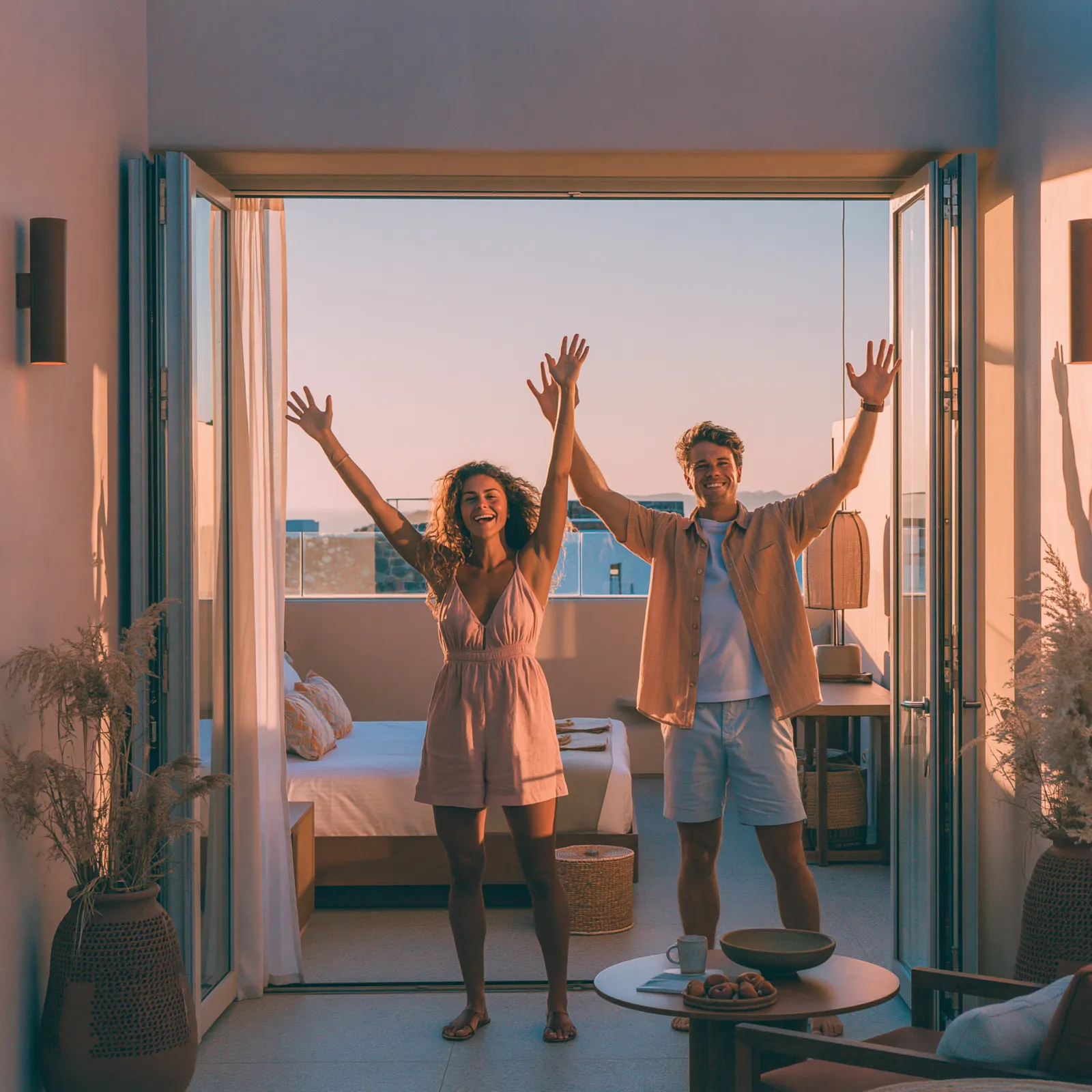
- Use daylight: shoot during the day with the curtains open – natural light looks best
- Best time: the light is soft in the morning or late afternoon; harsh midday sun creates hard shadows
- All lamps on: switch on all the room lamps as well – this creates a warm, homely mood
- Avoid the flash: the built-in flash produces flat, unnatural light
- Avoid backlighting: do not shoot directly towards the window, or the room will be too dark
5. Perspective & composition
The right perspective makes rooms look bigger and more inviting:
- Shoot from the corner: a room looks largest when photographed from one of its corners
- At chest height: hold the camera at around 1.2–1.4 m – not looking down from above
- Straight lines: keep walls vertical and the horizon level (use the grid)
- Create depth: shoot from the bed or a piece of furniture into the room
- Capture details: as well as overview shots, take close-ups of attractive details
6. The shots you need
For a complete presence, you should cover these subjects:
- Rooms: every room type as an overview plus a detail shot
- Bathroom: bright, clean, with folded towels
- Breakfast & restaurant: laid tables, appetising food
- Lobby & entrance: the first impression on arrival
- Spa & pool: if you have them – strong reasons to book
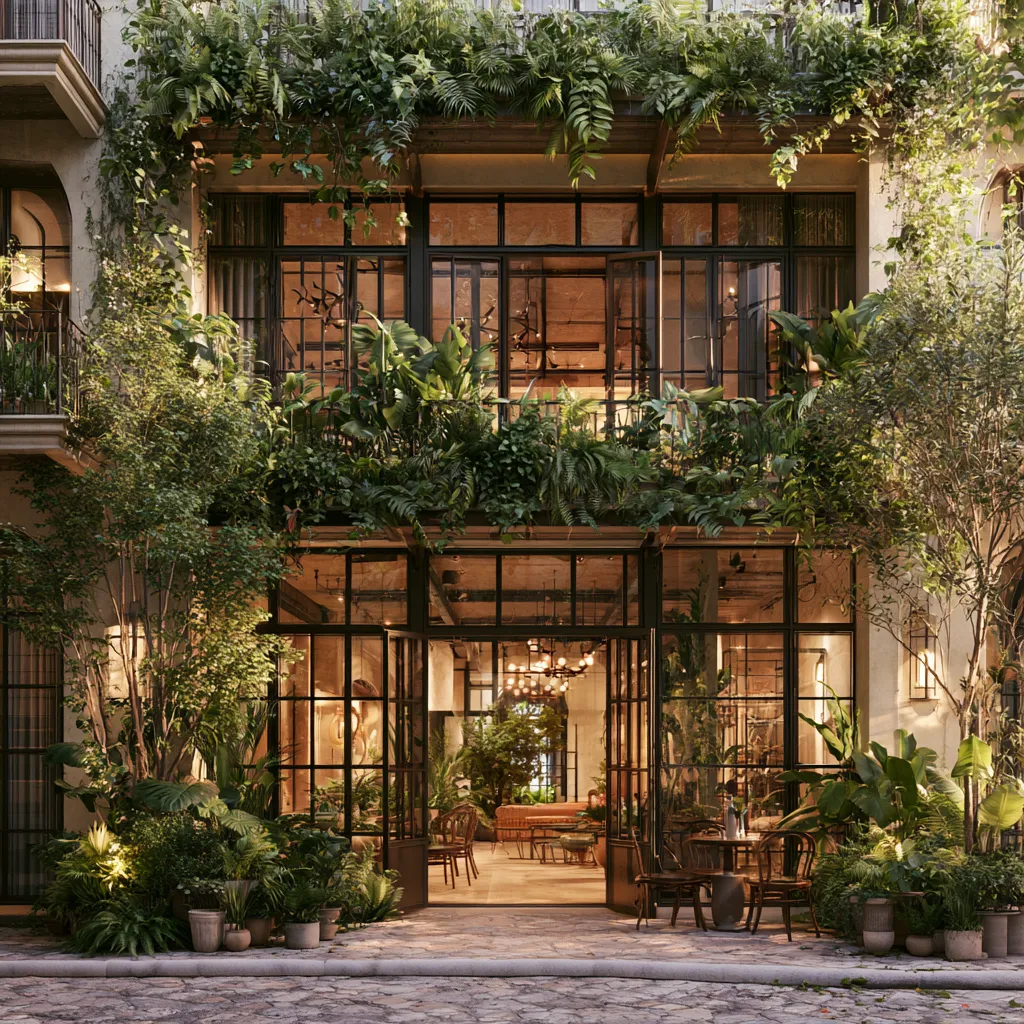
- Exterior: the façade in good weather
- Surroundings: views, nature or nearby attractions
This collection of images forms the basis for your website, Google, Booking.com and your social media channels – photograph it well once and use it everywhere.
7. Editing photos (made easy)
Subtle editing lifts every photo – free apps such as Snapseed or Lightroom Mobile are perfectly sufficient:
- Straighten: align the horizon and make walls vertical
- Brightness & exposure: increase slightly so the room looks welcoming
- Contrast & white balance: adjust for natural, warm colours
- Do not overdo it: photos must stay honest – over-edited images lead to disappointment on arrival
- Crop: remove distracting edges and bring images to a consistent format
8. Using your photos effectively
Good photos only reach their full impact in the right place – and in the right format:
- Website: a strong hero image, followed by your best shots in prominent positions
- Google Business Profile: upload new photos regularly (see Google Business Profile)
- Booking.com & portals: put the most attractive image first – it decides the click (see Optimise Booking.com)
- Compress for the web: reduce image sizes so the page loads quickly – especially important on smartphones
- Add alt text: descriptive image text helps your hotel SEO
9. Frequently asked questions
Is a smartphone really enough?
For your website, Google and social media, yes – modern smartphones deliver excellent results when the lighting and preparation are right. For glossy print or a particularly upscale look, it is also worth hiring a professional photographer.
When should I book a professional?
When you are opening a new property, have completed a full renovation or are aiming for a particularly premium positioning. For ongoing updates, good photos of your own are usually enough.
How many photos do I need per room?
Two to four: an overview, the bathroom and one or two detail shots. Quality beats quantity.
Can I make rooms look "nicer" than they are?
Optimise, yes – deceive, no. Your photos should show reality in the best light, but they have to deliver on what they promise. Otherwise, your reviews will suffer.
10. Checklist to tick off
- Lens cleaned, grid turned on, tripod ready if needed
- Room tidied, styled and flawlessly prepared
- Daylight used, all lamps on, no flash
- Shot from the corner, at chest height, with straight lines
- All key subjects covered (rooms, bathroom, breakfast, lobby, exterior)
- Photos subtly edited and kept consistent
- Compressed for the web and given alt text
- Best images placed on your website, Google and portals
Good photos are one of the cheapest and most effective levers in hotel marketing – they cost next to nothing and work everywhere. We show you how to turn this imagery into a high-converting website and consistent channels in our guides to creating a hotel website and hotel marketing.