Optimise Your Google Business Profile for Hotels
The Google Business Profile (formerly "Google My Business") is one of the most important visibility channels of all for hotels. It determines whether your hotel shows up in Google Maps, in the "Local Pack" and in hotel search – and whether guests book directly with you. This guide shows you step by step how to set up your profile, optimise it and use it to win more direct bookings.

Contents
- What is the Google Business Profile?
- Why it matters so much for hotels
- 1. Set up & verify your profile
- 2. Basic information & categories
- 3. Photos & virtual tours
- 4. Google posts & offers
- 5. Manage reviews
- 6. Booking links & Google Hotel Ads
- 7. NAP consistency & local signals
- 8. Analyse performance insights
- Checklist
What is the Google Business Profile?
The Google Business Profile is your hotel's free listing on Google. It appears to the right of the search results (Knowledge Panel), in Google Maps and in the local results. There, guests can see opening hours, photos, reviews and contact details – and, for hotels, prices and booking links too.
Why it matters so much for hotels
- Local Pack & Maps: for searches such as "hotel in [city]", the map results appear right at the top – even above the classic organic results
- First impression: photos and reviews often decide whether someone clicks
- Direct bookings: booking links in your profile let guests book directly with you (see Increase direct bookings)
- Free: reach without a media budget
- Trust: a complete, well-maintained profile looks professional and reputable
1. Set up & verify your profile
- Sign in at google.com/business or claim your existing profile
- Enter your hotel name, address and category
- Complete verification (by postcard, phone, email or video – depending on what is offered)
- Assign access rights within your team properly (owner vs. manager)
Only once your profile is verified can you use all the features – and only then does it appear trustworthy.

2. Basic information & categories
- Primary category: "Hotel" (or something more specific: "Boutique hotel", "Holiday apartment", "Guest house", "Campground")
- Additional categories: as a complement, e.g. "Restaurant", "Conference hotel", "Spa"
- Attributes: Wi-Fi, parking, pets, accessibility, breakfast, pool – as complete as possible
- Opening hours / reception hours: keep them up to date (including public holidays)
- Phone number & website link to your official site

3. Photos & virtual tours
Photos are the most important visual factor. Profiles with lots of high-quality images receive significantly more clicks and booking enquiries.
- Cover all categories: exterior, lobby, every room category, bathroom, breakfast, surroundings
- Quality: professional, up-to-date photos – no dark phone snaps
- 360° virtual tour: increases trust and time spent on your profile
- Update regularly: new photos signal an active profile
4. Google posts & offers
With "Posts", you can share the latest news, offers and events directly in your profile – much like on social media:
- Seasonal offers and packages (with a booking link)
- Events, restaurant specials, news
- Call-to-action buttons ("Book now", "Learn more")
Posts keep your profile fresh and send Google positive activity signals.
5. Manage reviews
The number, recency and rating (stars) of your reviews are among the strongest local ranking factors – and have a huge influence on click-through rate.
- Actively ask for reviews (e.g. via QR code, email or WhatsApp after check-out)
- Reply to every review – positive and negative, professionally and personally
- Consistency: a steady stream of new reviews works better than lots at once
You will find the complete strategy in our guide on how to improve hotel reviews.

6. Booking links & Google Hotel Ads
For hotels, the profile is also a booking channel. Make sure your direct rate is visible:
- Add your official website / booking link so that guests can book direct
- Use Google Hotel Ads to appear prominently in the price overview
- Activate Free Booking Links (Google's free booking links) where available
7. NAP consistency & local signals
NAP stands for name, address and phone number. This information must be identical everywhere:
- Align your website, Google Business Profile, OTAs, business directories and social media
- Maintain listings on relevant platforms (e.g. local directories, TripAdvisor)
- Inconsistent data confuses Google and weakens your ranking
This feeds directly into your hotel SEO.
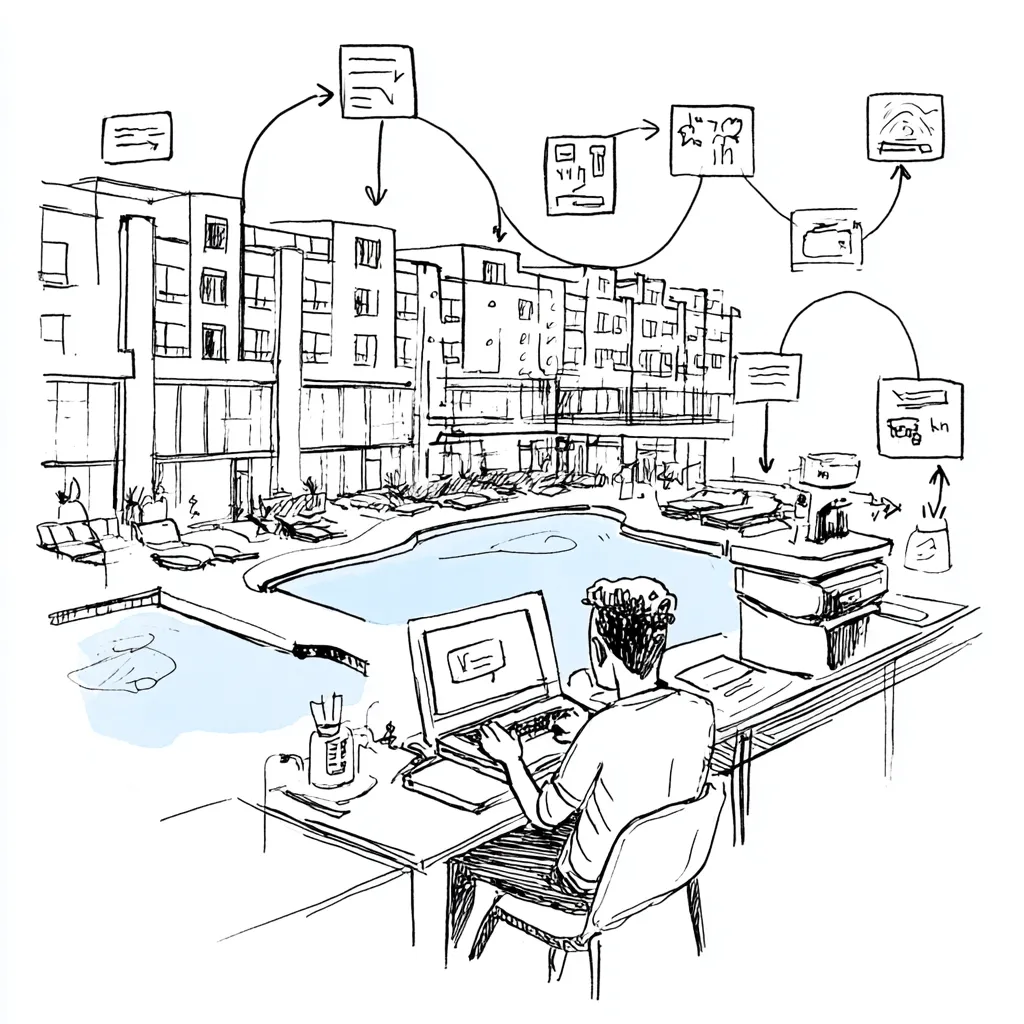
8. Analyse performance insights
Google shows you how users find and use your profile:
- Search terms: what were guests searching for?
- Actions: website clicks, calls, direction requests
- Photo performance compared with your competitors
Use this data to keep optimising your photos, categories and posts.
Checklist
- Profile claimed and verified
- Correct primary and additional categories + all attributes
- Complete, up-to-date contact details & opening hours
- Plenty of high-quality photos + a 360° virtual tour
- Regular Google posts with a booking CTA
- Active review management (asking + replying)
- Direct booking link & Google Hotel Ads where appropriate
- NAP data consistent everywhere
- Insights analysed every month
An optimised Google Business Profile is the foundation of local visibility – and a direct lever for more direct bookings. Combined with hotel SEO and a strong hotel website, it ensures your hotel is found where the decision is made. Our guide to hotel marketing provides the strategic framework.